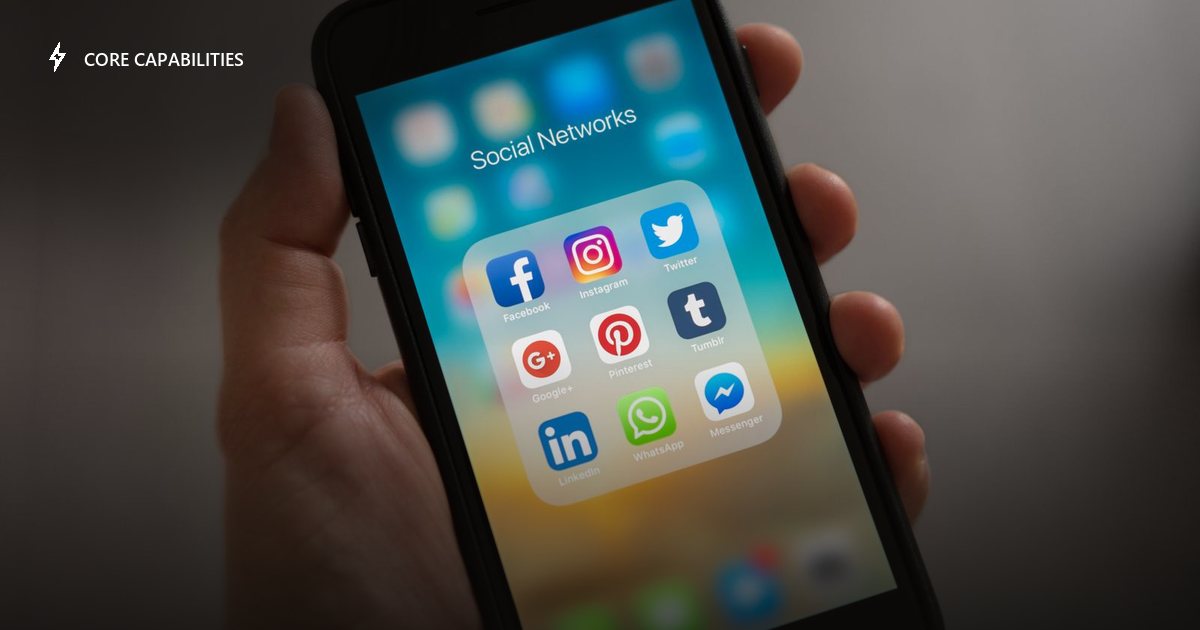
Most chatbot setup guides only cover the website widget. If your customers actually reach you through Facebook Messenger or Instagram DMs, the setup looks a little different.
Why this matters beyond the website
A lot of small businesses — especially ones with a strong social presence — get more direct messages through Instagram or Facebook than through their website contact form. If your chatbot only covers the website, those conversations are still going unanswered after hours.
What's actually required
Connecting Messenger and Instagram means linking your Facebook Page (and its connected Instagram Business account) to the chatbot platform — typically a page access token pulled from Meta's own tools. This is a one-time setup step, usually handled by whoever's onboarding you rather than something you configure yourself.
What should carry over automatically
The assistant answering on Messenger and Instagram should be the same one answering on your website — same knowledge, same conversation history if a visitor moves between channels, same lead-capture and booking behavior. If a platform treats each channel as a separate, disconnected bot, you're maintaining multiple assistants instead of one.
ChatGenio runs Messenger, Instagram, WhatsApp, and your website from one backend and one knowledge base — details on the how it works page.